Adyen for Swell
Accept card payments in your Swell checkout with Adyen. Shoppers enter their card in Adyen's secure fields, right on the payment step, and the app connects directly to your own Adyen account.
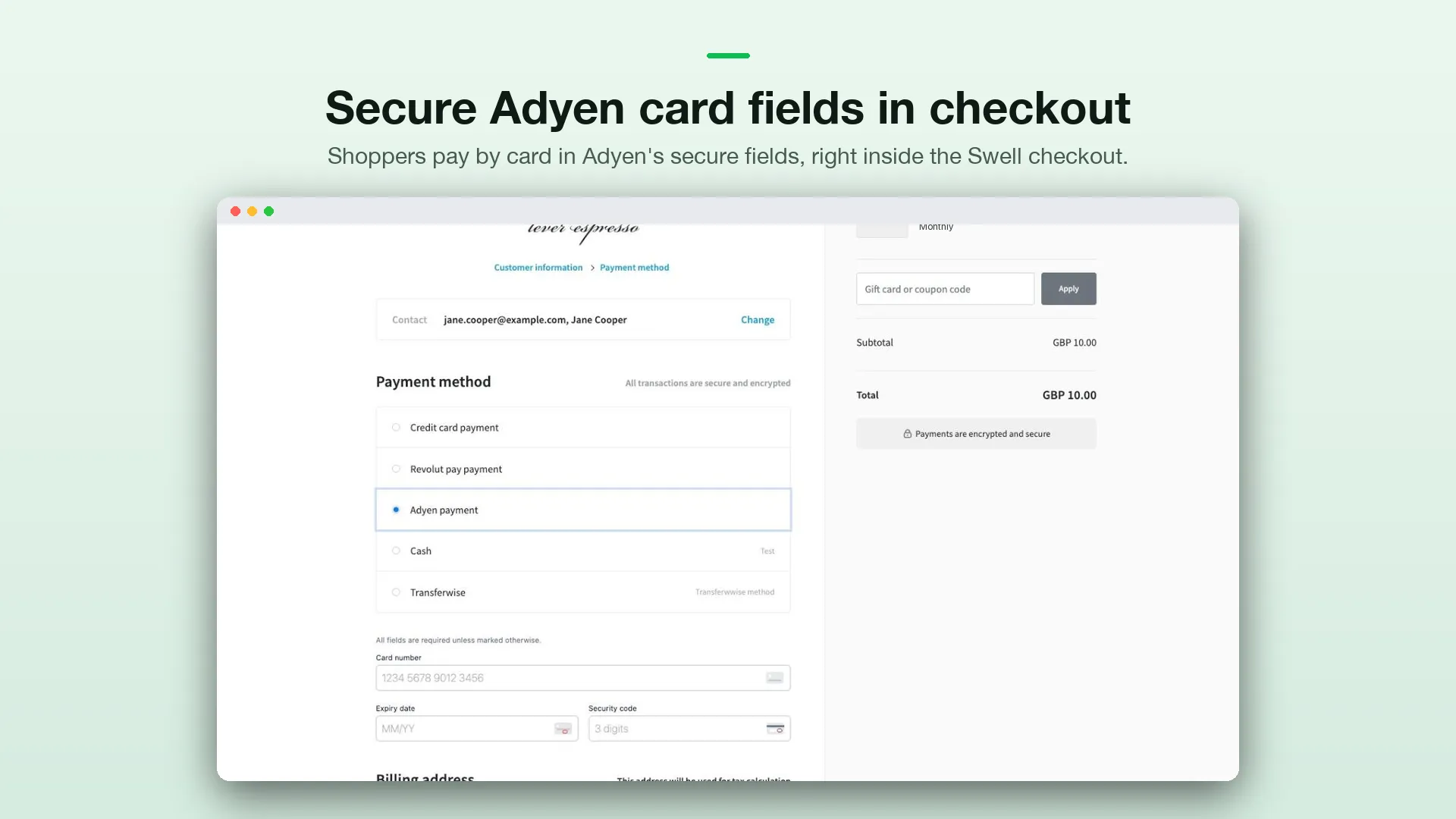
What you get
- Card payments: Visa, Mastercard, American Express and the other card brands enabled on your Adyen account.
- 3D Secure 2: bank verification opens inside the checkout, and shoppers can cancel it. For banks that use a redirect, shoppers continue to their bank’s page and come back to the checkout’s payment step.
- Authorize, then capture: cards are authorized when the shopper pays and captured when the order is placed. The amount authorized is always the cart total, calculated by the app on the server.
- Refunds: full and partial refunds from the Swell dashboard go through Adyen.
- Subscriptions: the card is saved with Adyen at checkout, and subscription renewals charge it automatically.
- Test and live: switch between Adyen’s test and live environments in the app settings.
- Signed webhooks: Adyen notifications are verified with your HMAC key before they’re processed.
Setup at a glance
Setup takes about 15 minutes. You’ll move between two places: your Swell dashboard and the Adyen Customer Area.
Check your Adyen account
Manual capture, plus the recurring options if you sell subscriptions. See Before you start.
Copy your Adyen keys
API key, client key and merchant account. See Connect your Adyen account.
Allow the payment form's origin
So Adyen accepts the card form on your checkout. See Allowed origins.
Set up the webhook
So Adyen can report failed captures and refunds. See Webhook.
Enable Adyen and place a test order
See Test your setup.