Enable Adyen and test
Turn on Adyen at checkout and place a test order before going live.
1. Enable the payment method
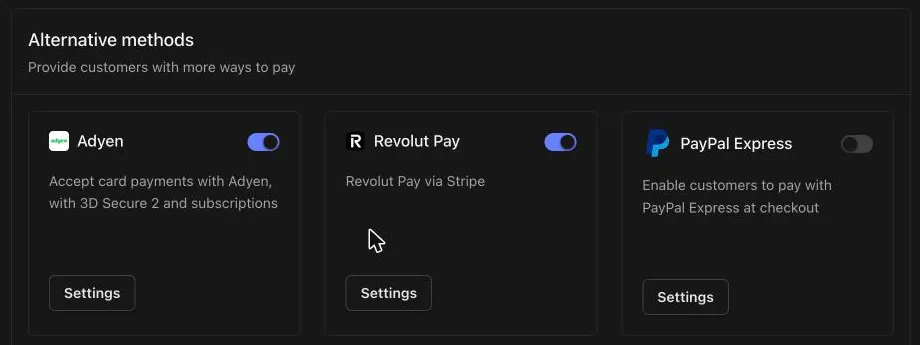
In Settings → Payments, turn on the toggle on the Adyen card under Alternative methods.
2. Place a test order
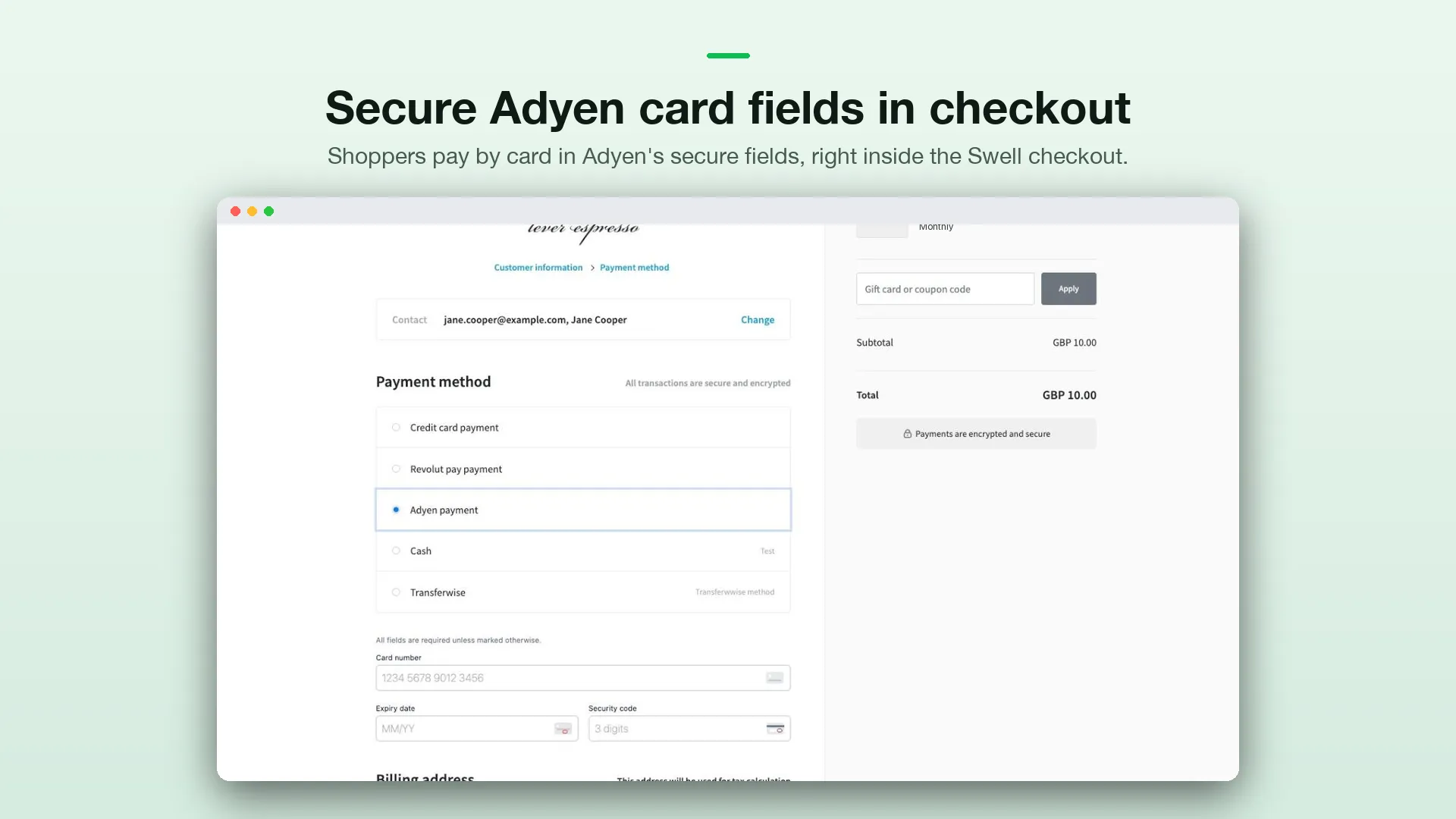
With Environment set to Test, open your storefront, add a product to the cart and go to checkout. On the payment step, select Adyen and pay with one of Adyen’s test cards.
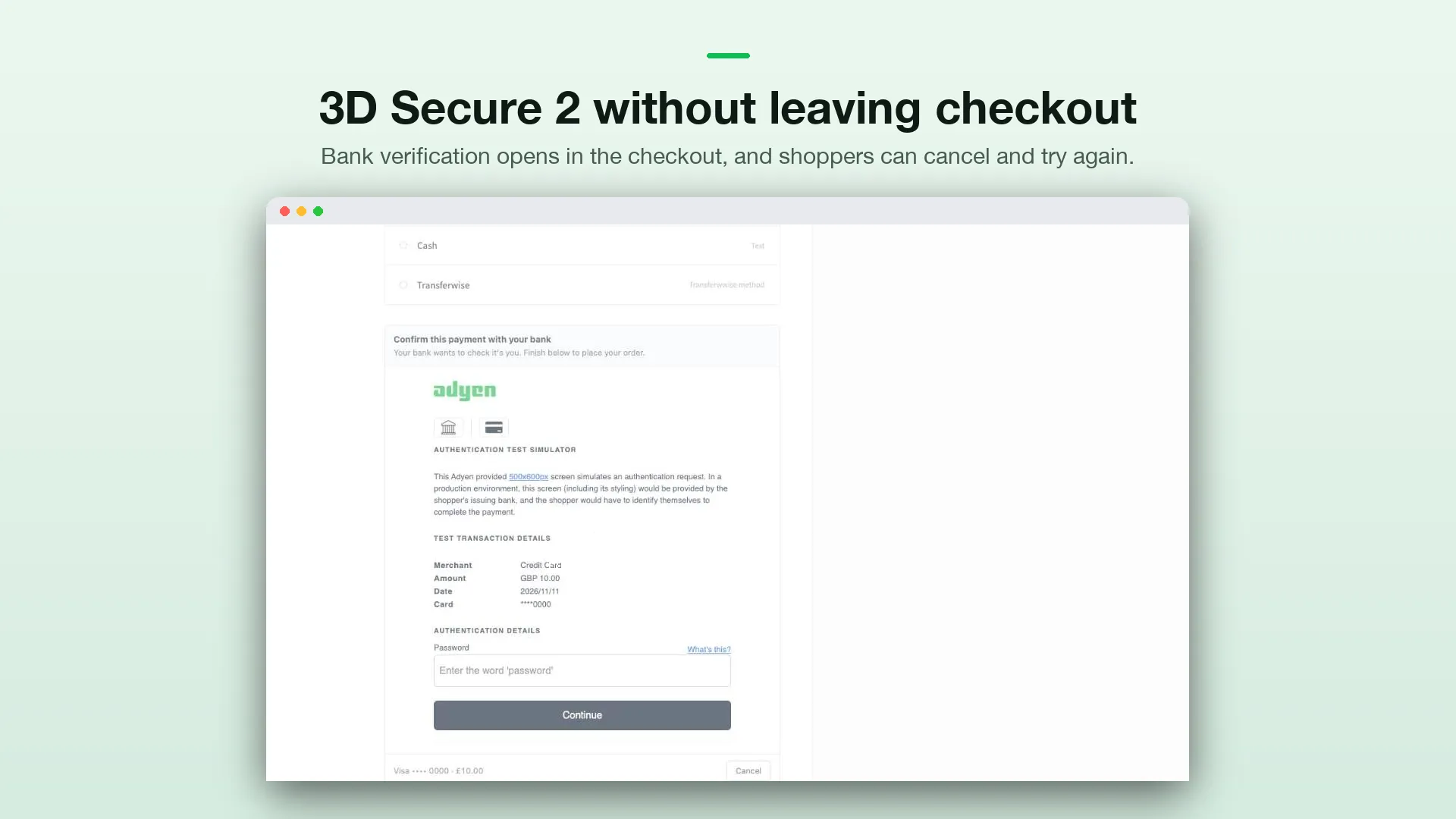
To try 3D Secure, use a 3DS test card such as 4917 6100 0000 0000 with expiry 03/30 and security code 737. The bank verification opens inside the checkout. Enter password and select Continue.
3. Check the order
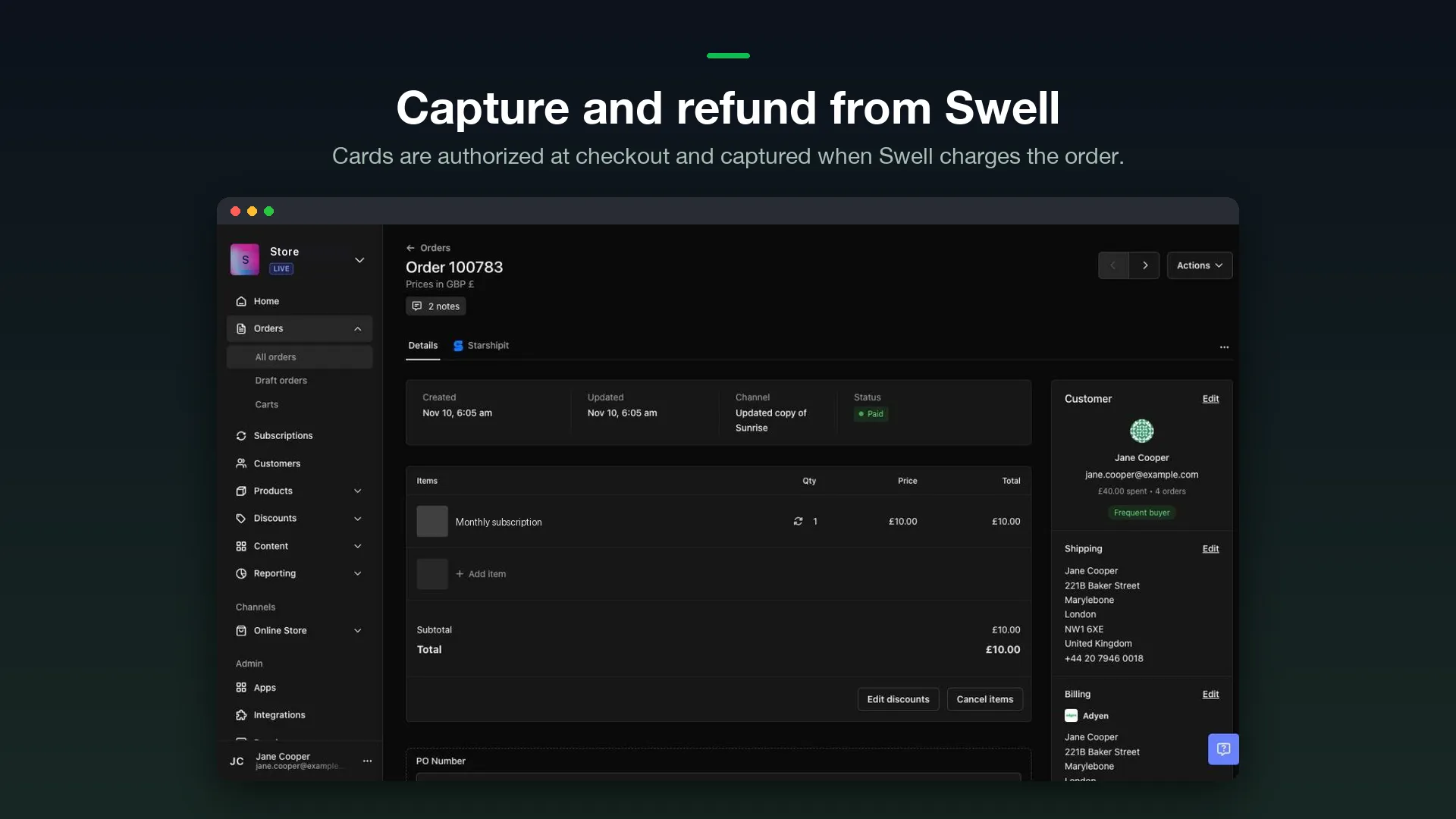
Open the order in Orders. The billing section shows Adyen, and the order is marked Paid once the payment is captured.
You can also find the payment in the Adyen Customer Area under Transactions → Payments.
Refunds
Refund an order from the Swell dashboard as usual. Full and partial refunds go through Adyen automatically.